 In Blender
Operator
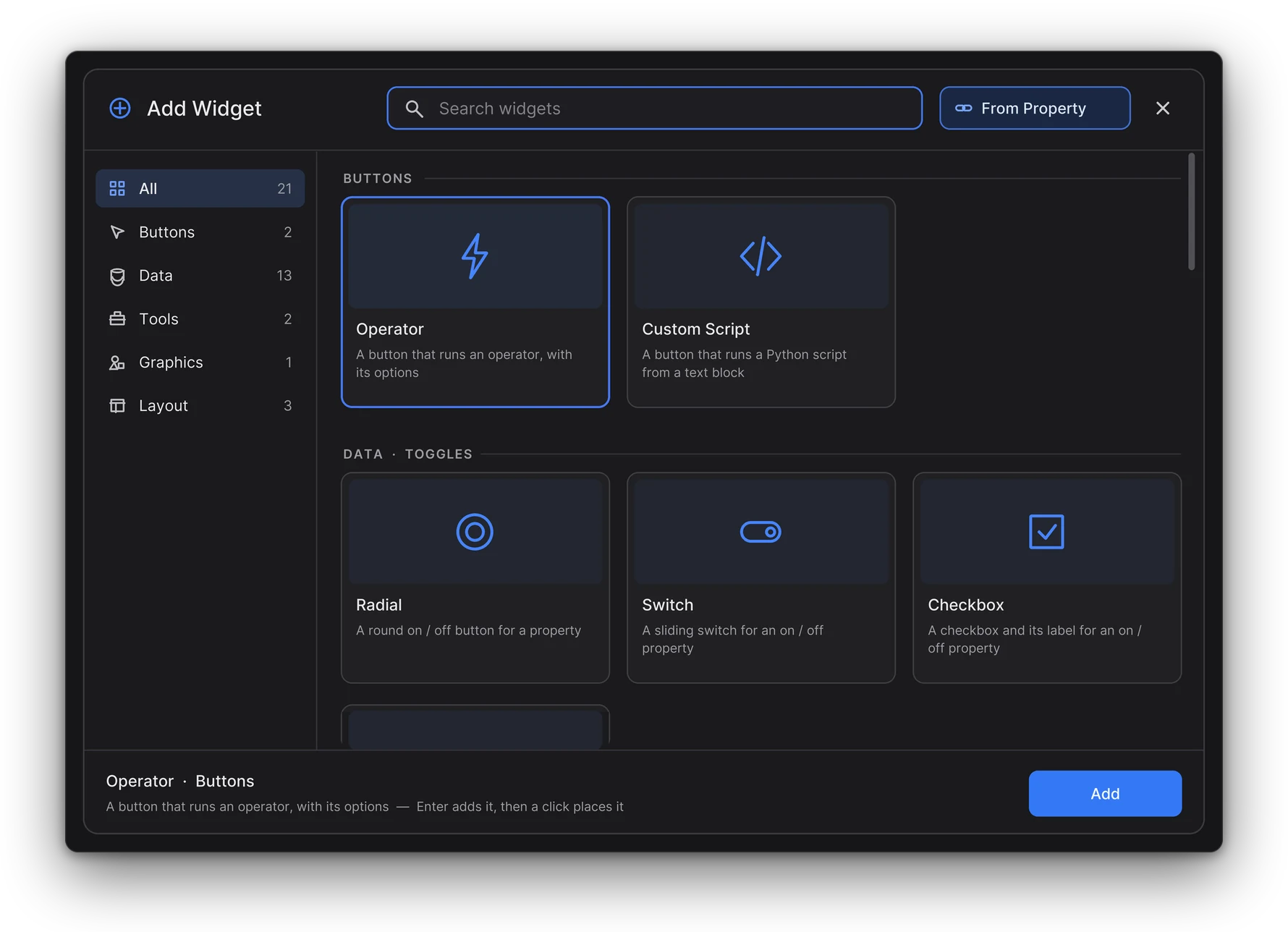
Runs a Blender operator.
Pick Operator from UI: right-click any button in Blender to copy its operator and settings. It turns red when the operator can't run right now.
Buttons that run operators and scripts, switches, sliders and fields that drive any property, colour and brush tools, lists, images, live 3D views and layout widgets. The Armature Picker adds knobs, pads and bone pickers of its own.
In BlenderRuns a Blender operator.
Pick Operator from UI: right-click any button in Blender to copy its operator and settings. It turns red when the operator can't run right now.
 In Blender
Runs your own Python script.
Write it in a Text Editor window. It can use active_object, active_widget and canvas. With Blender's Auto Run Python Scripts off, the first click asks before running it.
 In Blender
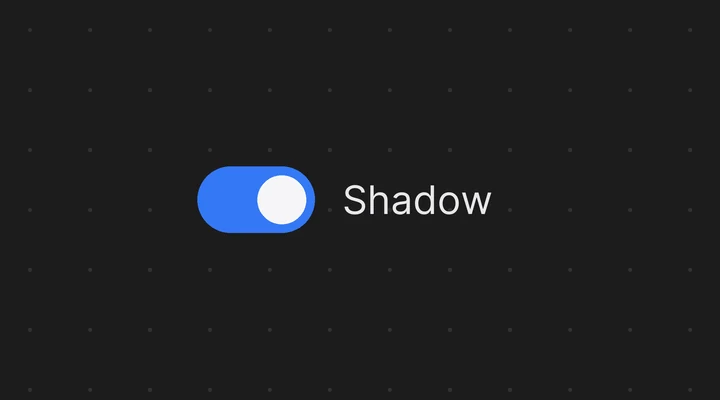
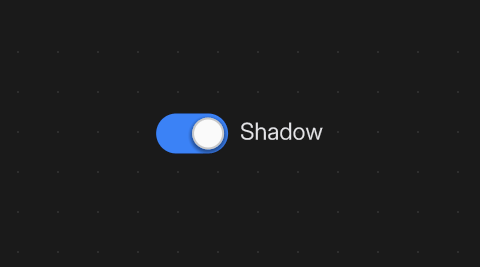
Switches an on / off property, or sets an enum or integer value.
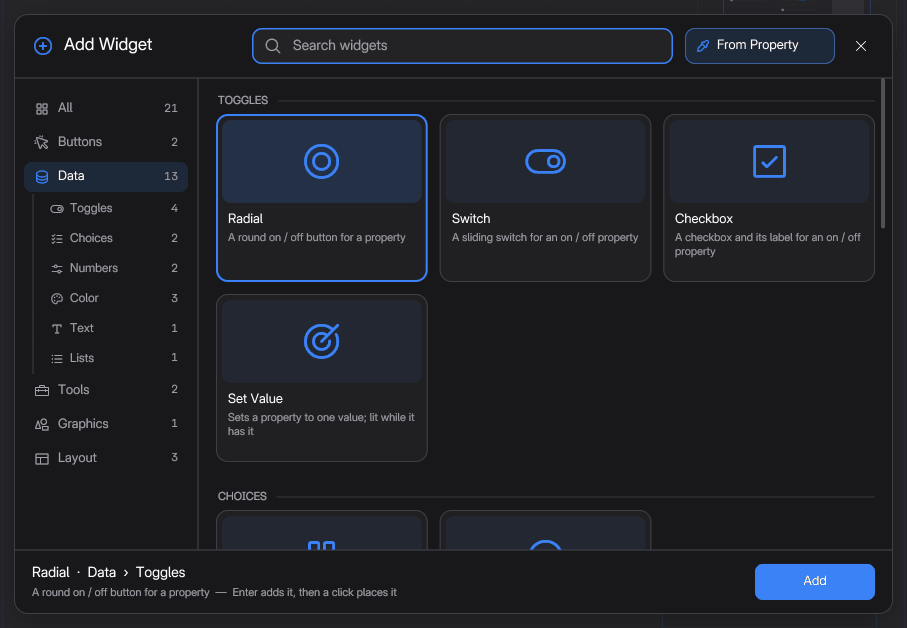
Three looks: Radial, Switch and Checkbox. Put a few Set Value toggles side by side for radio buttons.
 In Blender
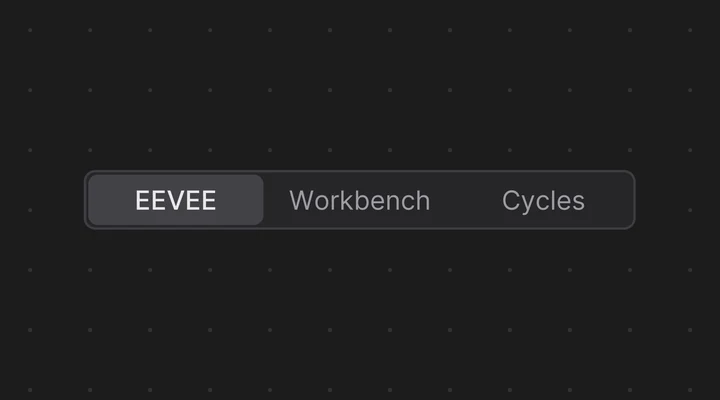
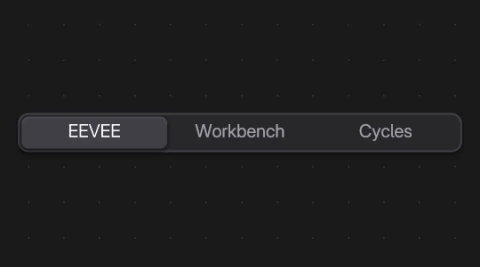
Picks one value of an enum or integer.
Segmented, Dropdown, or Auto: segmented with 5 items or less. An integer gets its own list of items.
 In Blender
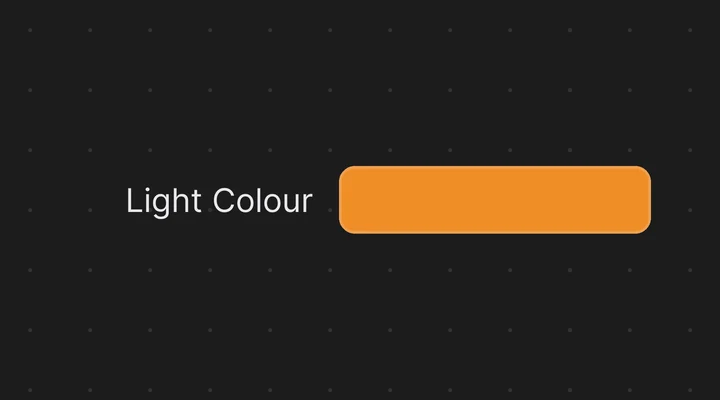
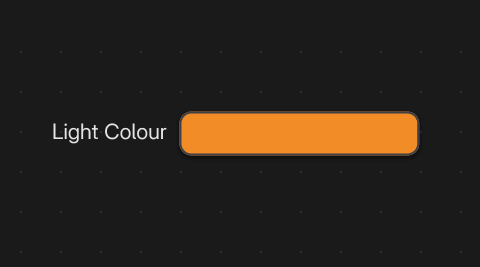
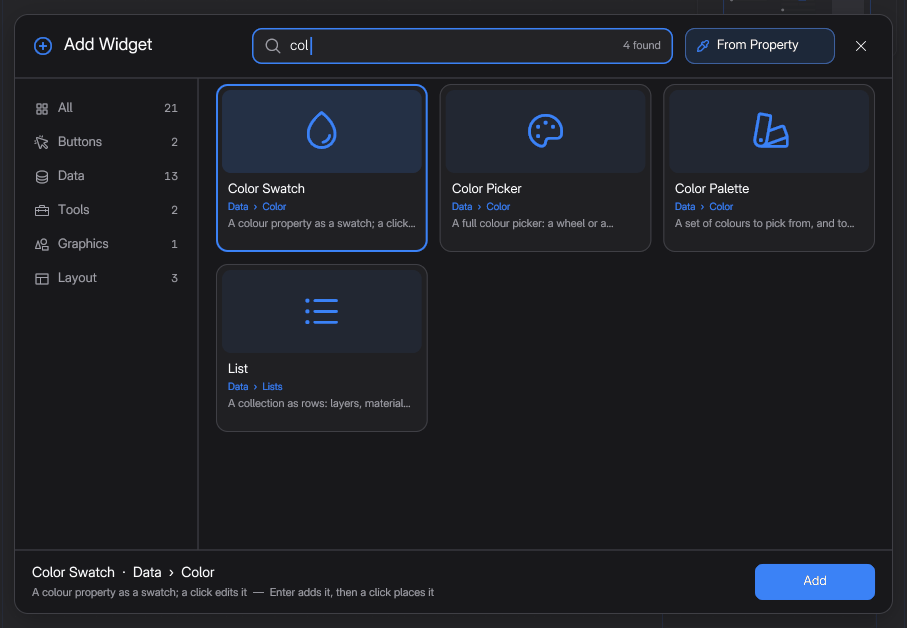
Shows a colour and opens Blender's colour picker.
A light, the world, a material's Base Color or viewport colour. A colour with alpha shows a checkerboard half.
 In Blender
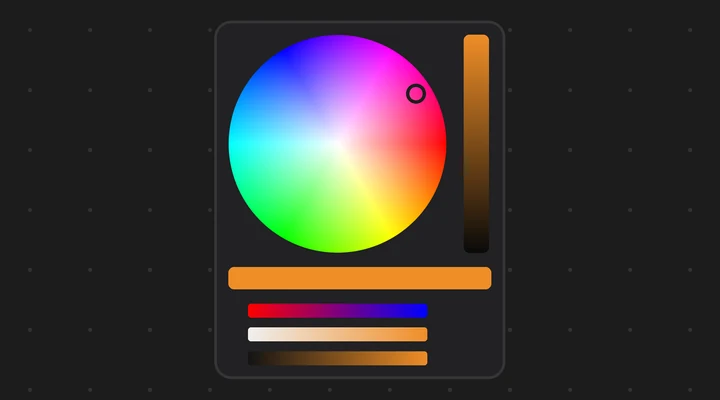
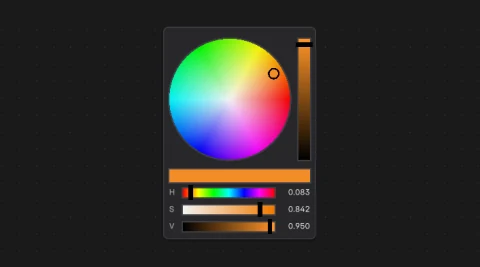
Edits a colour right on the canvas.
A Wheel, or a Ring + Square as in Krita or Photoshop, with RGB, HSV and Alpha sliders as you choose.
 In Blender
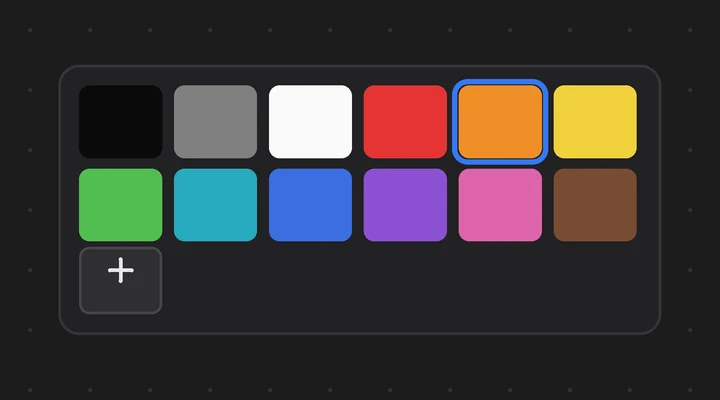
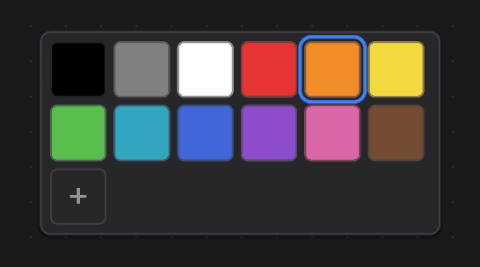
A grid of colour swatches: click one to use it.
Its own colours, or a Blender palette, the kind Texture Paint uses. Show Active rings the current colour.
 In Blender
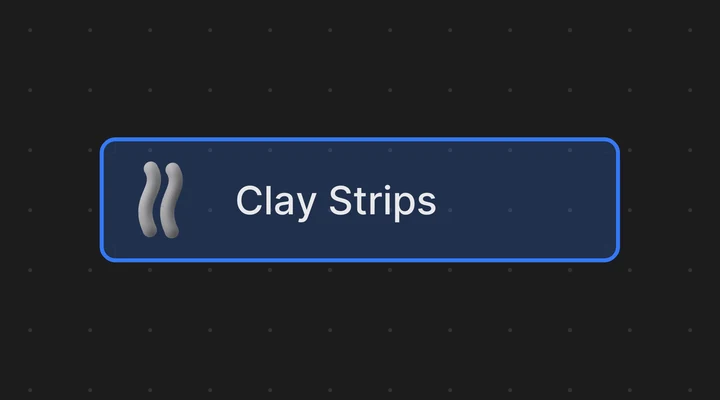
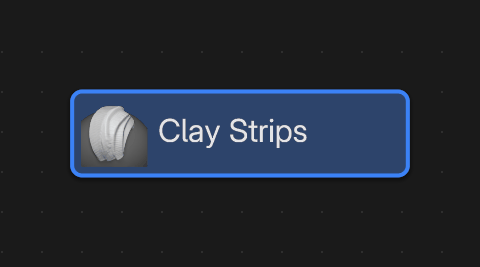
Makes one brush the active brush.
The Essentials, your file's brush assets or your own libraries. Icon, name or both. Square and icon-only at Roundness 1, it is a round brush button.
 In Blender
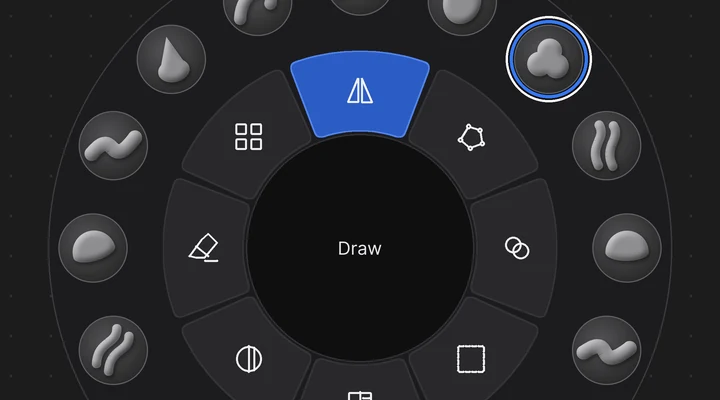
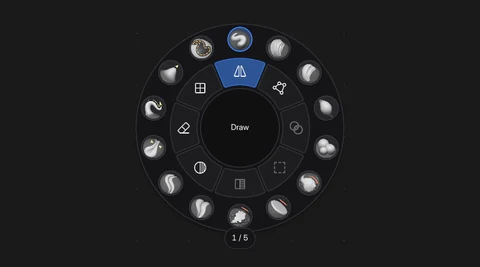
Brushes, toggles and operators in a ring, like a sculpt wheel.
Brushes in the outer ring, on as many pages as you need; actions in the inner ring; the name in the core.
 In Blender
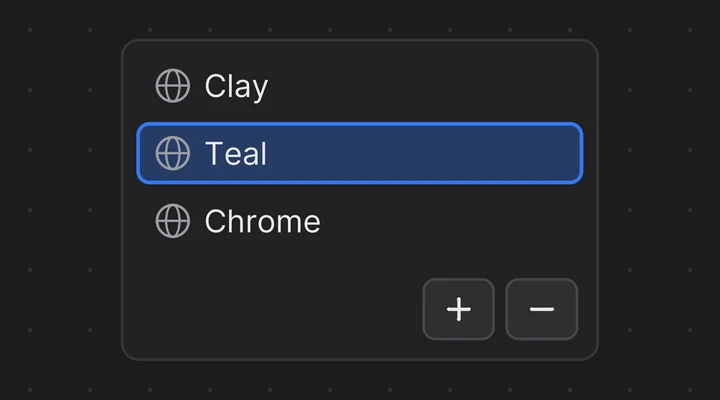
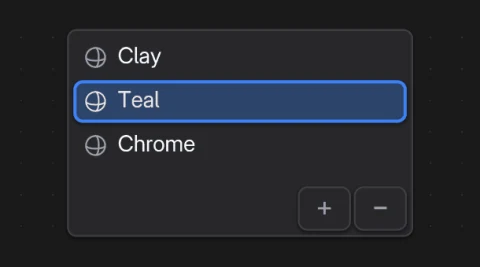
Shows layers, material slots, vertex groups and other lists as rows you can click.
Grease Pencil layers, UV maps, shape keys, bone collections, view layers, or any list with Custom.
 In Blender
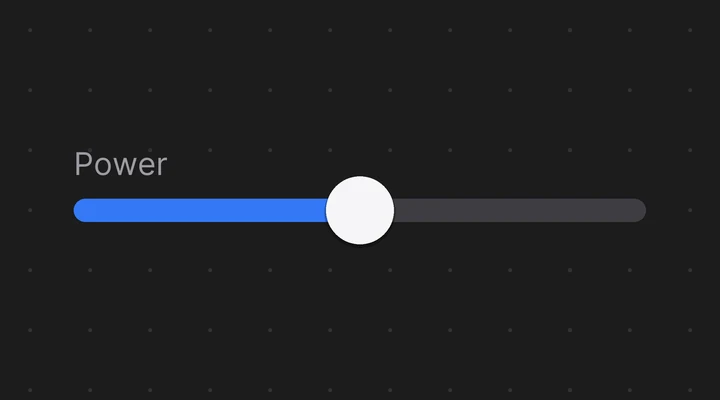
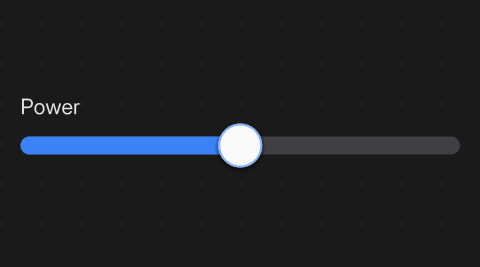
Drag along a bar to change a number.
Shift is 10 times finer, Ctrl snaps to the step, Ctrl + click types the value.
 In Blender
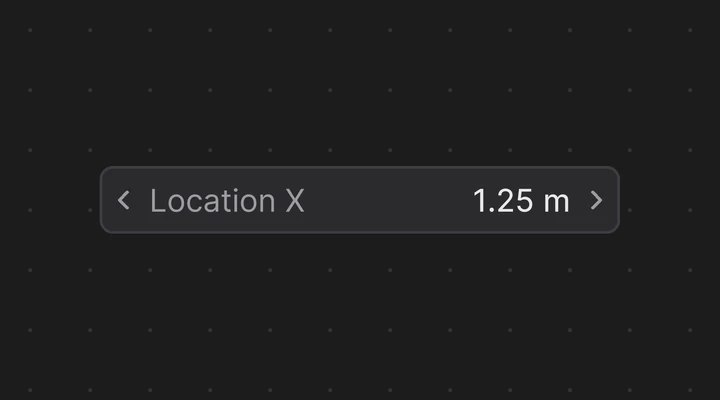
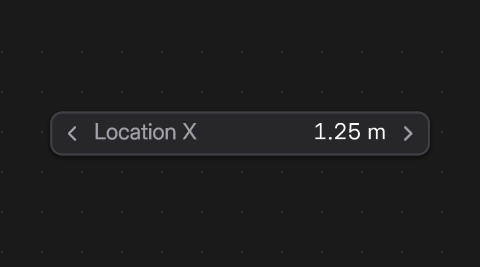
A number field like Blender's own.
Drag it, click an arrow, or click to type an expression or a unit (1.5 m, 10/4).
 In Blender
Text, or a property's value.
Always up to date, with a Format (Number, Percent, Yes / No...), Units, Prefix and Suffix.
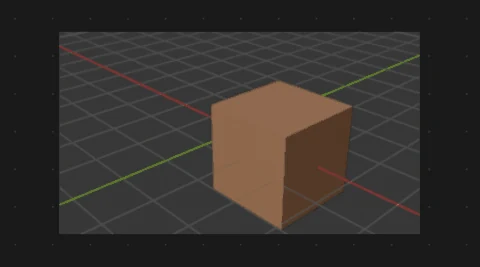 In Blender
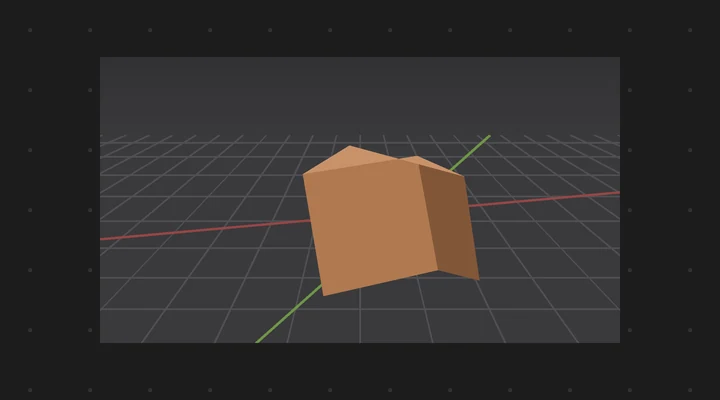
Shows a picture.
Opacity, Saturation, Brightness and Tint of its own. Backdrop puts it behind every other widget.
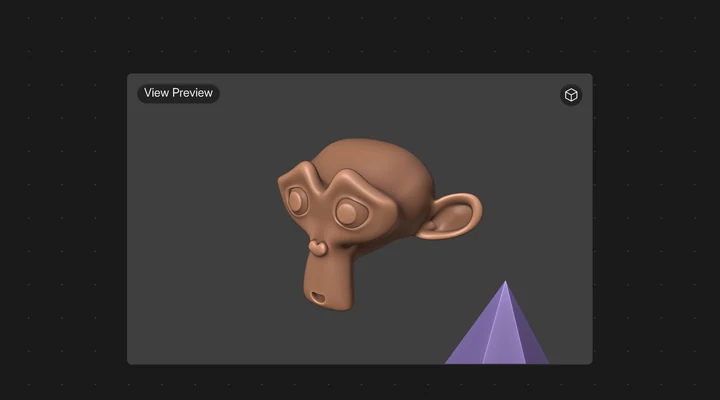 In Blender
A live 3D view that frames the active object.
Or the selected objects, an object or a collection, from any side or at an angle. Auto Frame keeps them framed when they move or change.
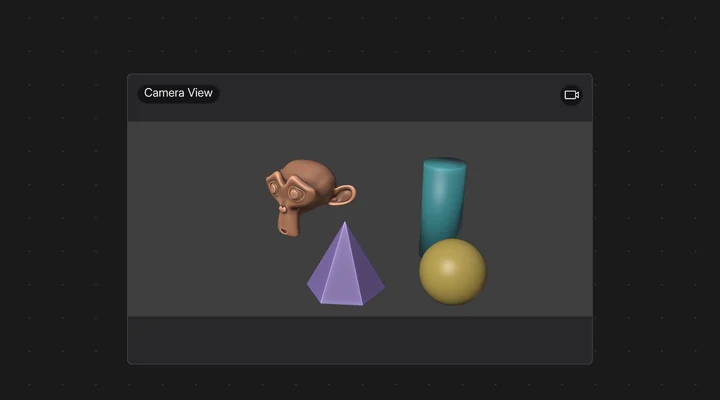 In Blender
What the scene camera sees, inside its frame.
Or a camera you pick. The frame keeps the render's aspect ratio; Passepartout darkens what is outside it.
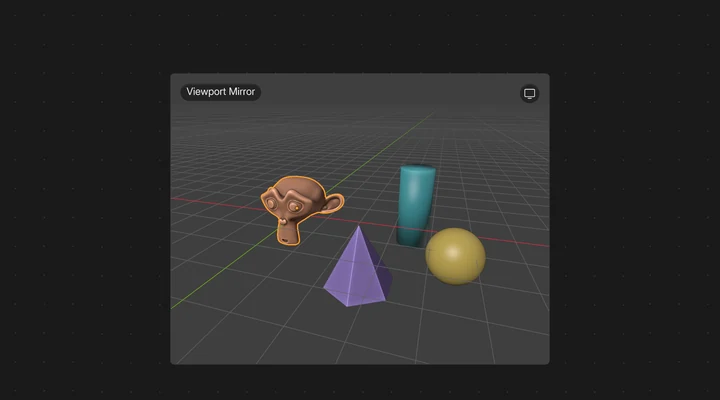 In Blender
Follows a 3D Viewport's view as you navigate.
Free Orbit gives it a view of its own instead, one you can orbit, pan and zoom with the mouse in Live Mode.
 In Blender
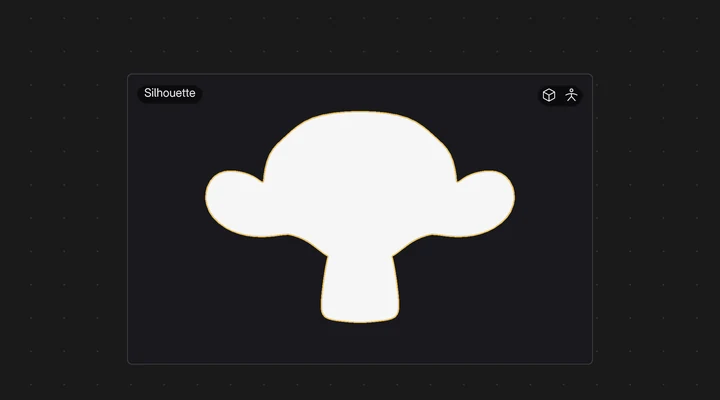
The flat shape of the active object, seen from the front.
One colour, an optional background and an Outer or Inner outline. Target Only draws just the target.
 In Blender
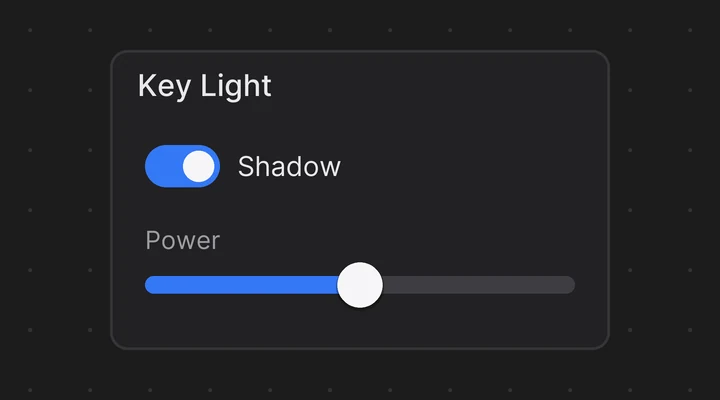
A titled area, square or round, that holds and moves other widgets.
Ctrl J frames the selection. Shrink fits it to its contents.
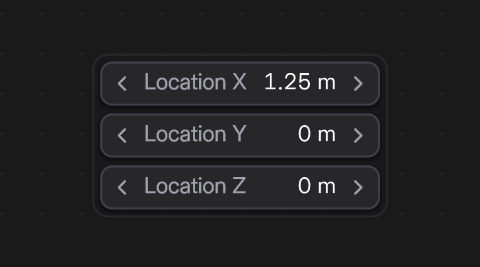 In Blender
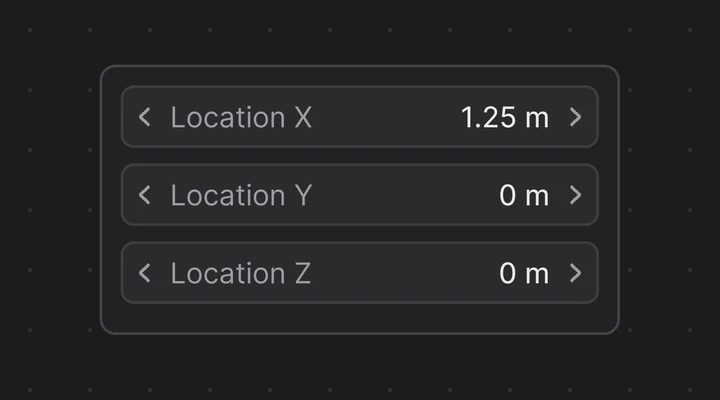
Lines up other widgets in a row or a column.
Direction, Wrap, Justify, Align, Padding and Gap; Grow, Shrink and Basis per child.
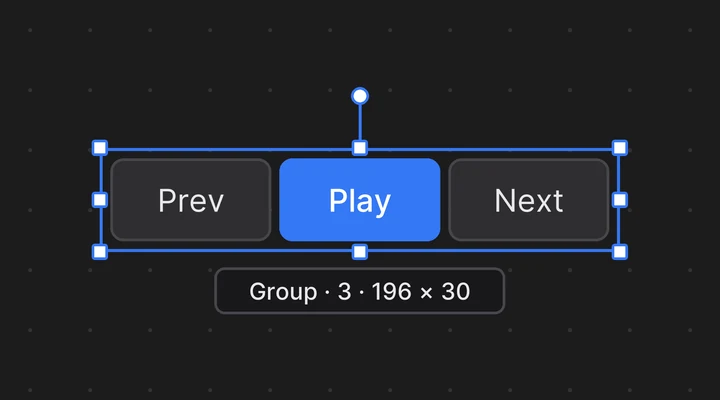
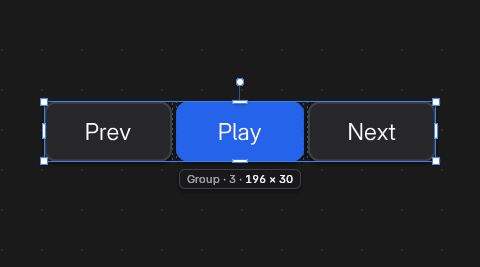 In Blender
Moves and resizes other widgets as one.
Ctrl G groups, double-click works inside it, Alt G ungroups.
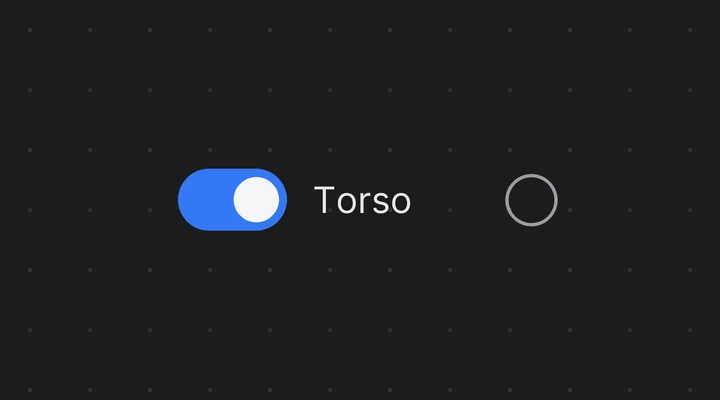
 In Blender
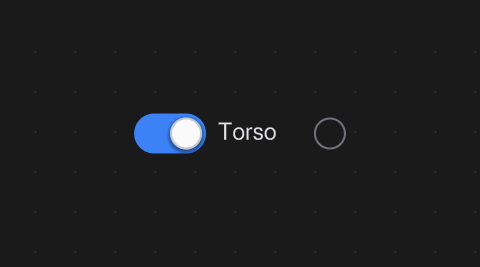
Shows, hides or solos a bone collection.
Choose Visible or Solo in its Bone Collection panel.
 In Blender
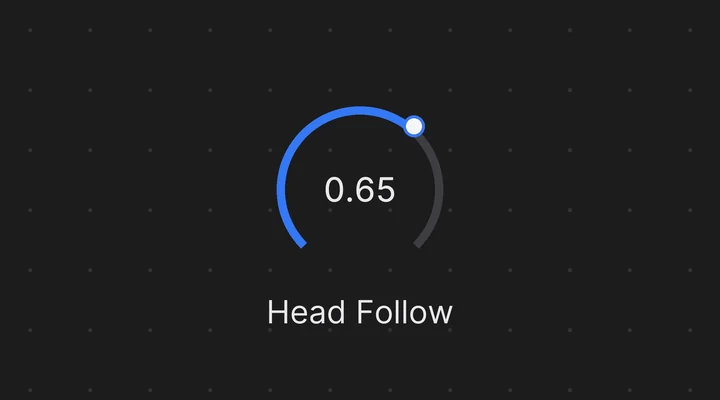
A knob you drag to change a number.
Drag right or up to increase. Shift is finer, Ctrl snaps (5 degrees for an angle).
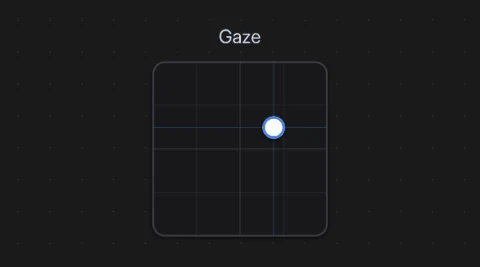 In Blender
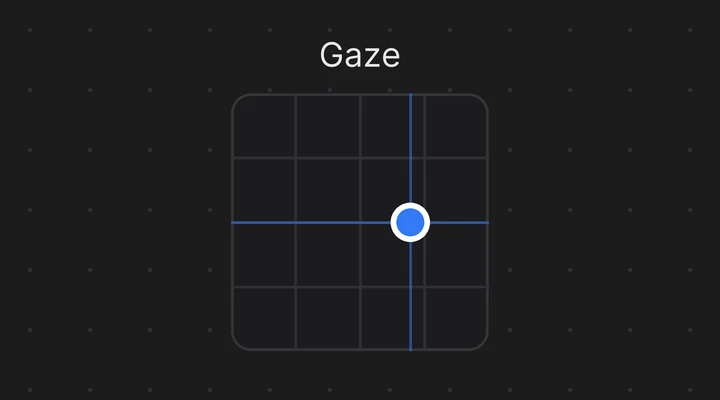
A pad that drives two properties at once.
One Data Path per axis, for eyes, jaws or facial controls. Look: Eyes draws it as a gaze control.
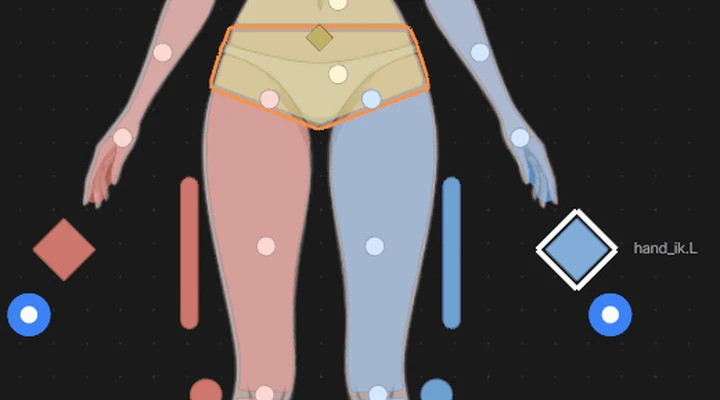
 In Blender
Bone pickers: select their bone.
A Geometry Shape takes any flat shape. Each can show an IK/FK puck at its edge.
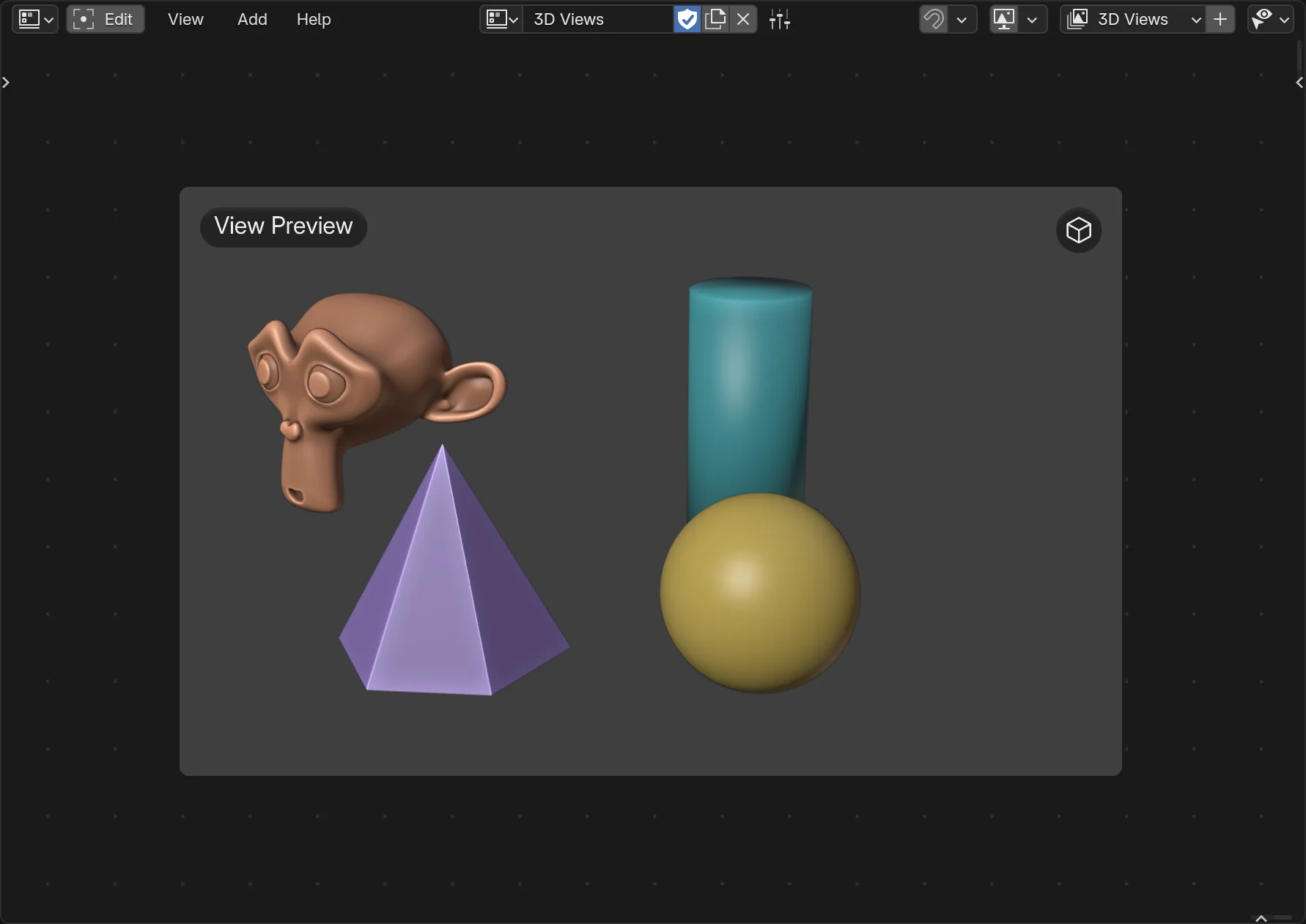
A close-up of the object you are working on, what the camera sees, or a second look at your viewport. It updates as you work. Add > Graphics > 3D Views has four ready-made entries: they are all the same widget, View Preview, set up differently, and you can change any of them later.
 Screenshot
In Blender
In Edit Mode, Shift A opens the Add Widget panel over the canvas. Just start typing: the best match is selected, and Enter adds it. The new widget follows the mouse; click to place it.
In Blender
 Screenshot
 Screenshot
Custom properties work too. Undo removes the whole addition in one step.
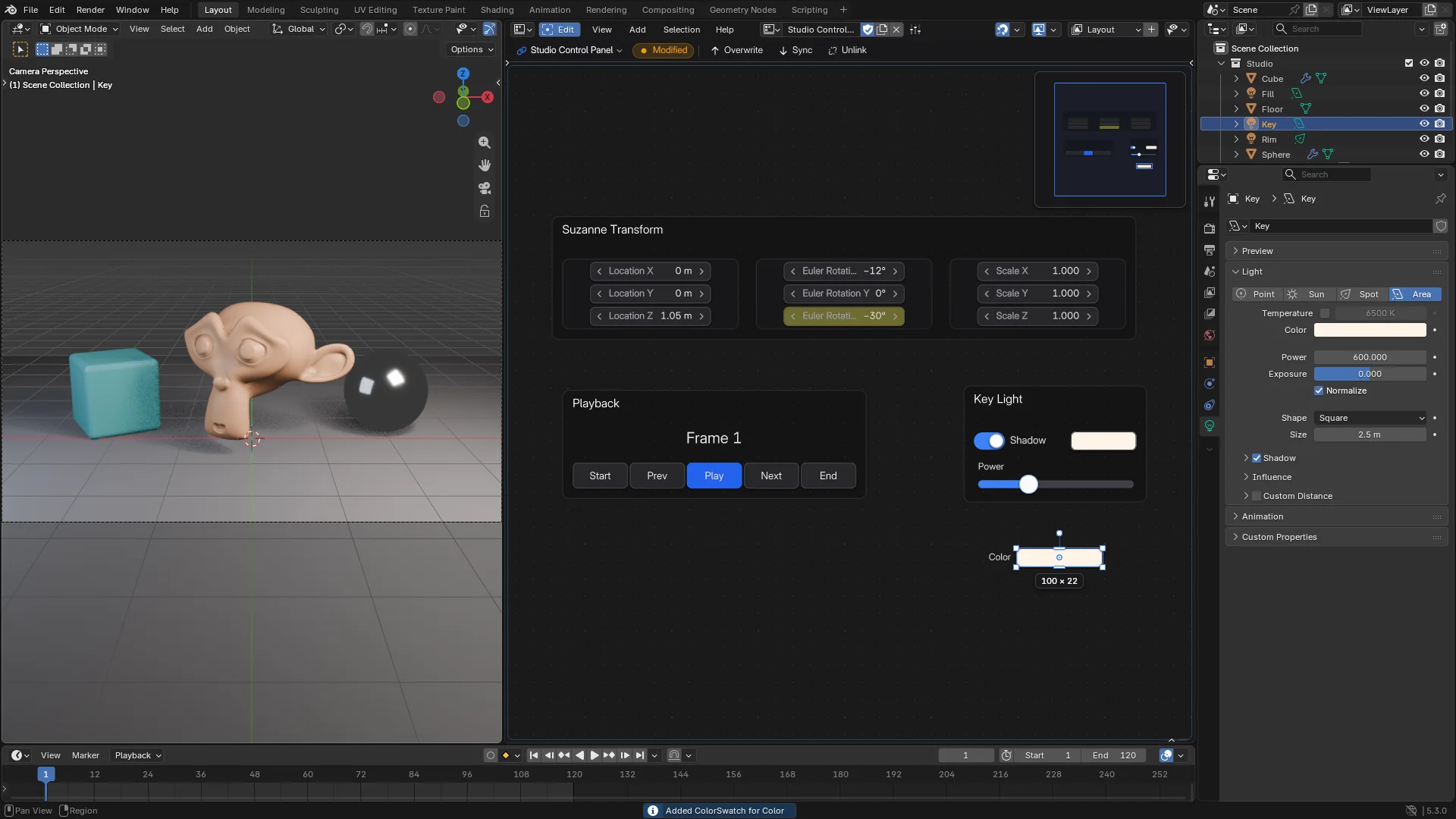
No canvas open? Right-click the property, or any button, and choose Add to FlexSpace Canvas: the same widget goes to the canvas and page you pick (Binding).
| Property | Widget |
|---|---|
| On / off | Toggle (Checkbox) |
| Enum | Enum (Segmented with 5 items or less, else Dropdown) |
| Number | Number Field |
| Factor or Percentage | Lineal slider with that range |
| Colour | Color Swatch |
| Vector | Vertical Flex Box with one Number Field per value |
| Anything else | Label that reads the value out |
In a picker, a vector becomes a Group of Number Fields, because the picker has no Flex Box.
In Blender
 Screenshot
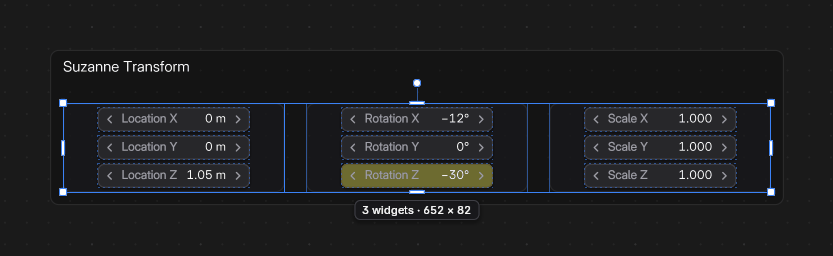 Screenshot
Rest the mouse on a widget: an operator's name and description, or the property's name, description and data path. When an operator can't run, it says Can't run here, and why.
A bound widget shows its property's state in Blender's own colours.
Animated Keyframe Driver Changed
I inserts a keyframe, Alt I deletes it, Shift Alt I clears them all, Backspace resets to the default. Auto Keying keys the end of a drag.
Every widget is in the Add menu, ready to bind.